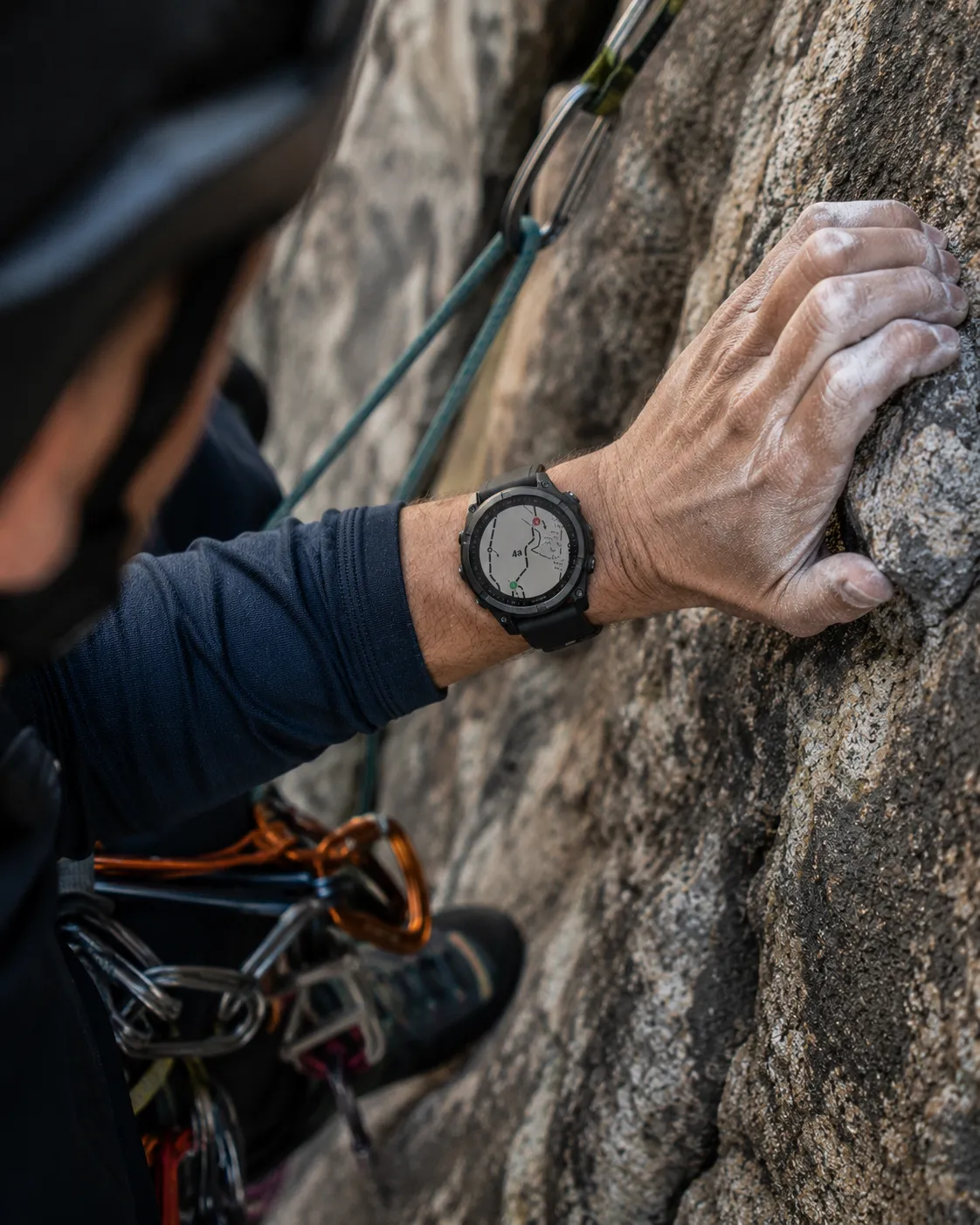
For multipitch climbers
Topo maps for multipitch climbing, on your Garmin.
Photograph a topo, mark pitches, sync it to your watch, and log the climb pitch by pitch.
How NorthPitch works
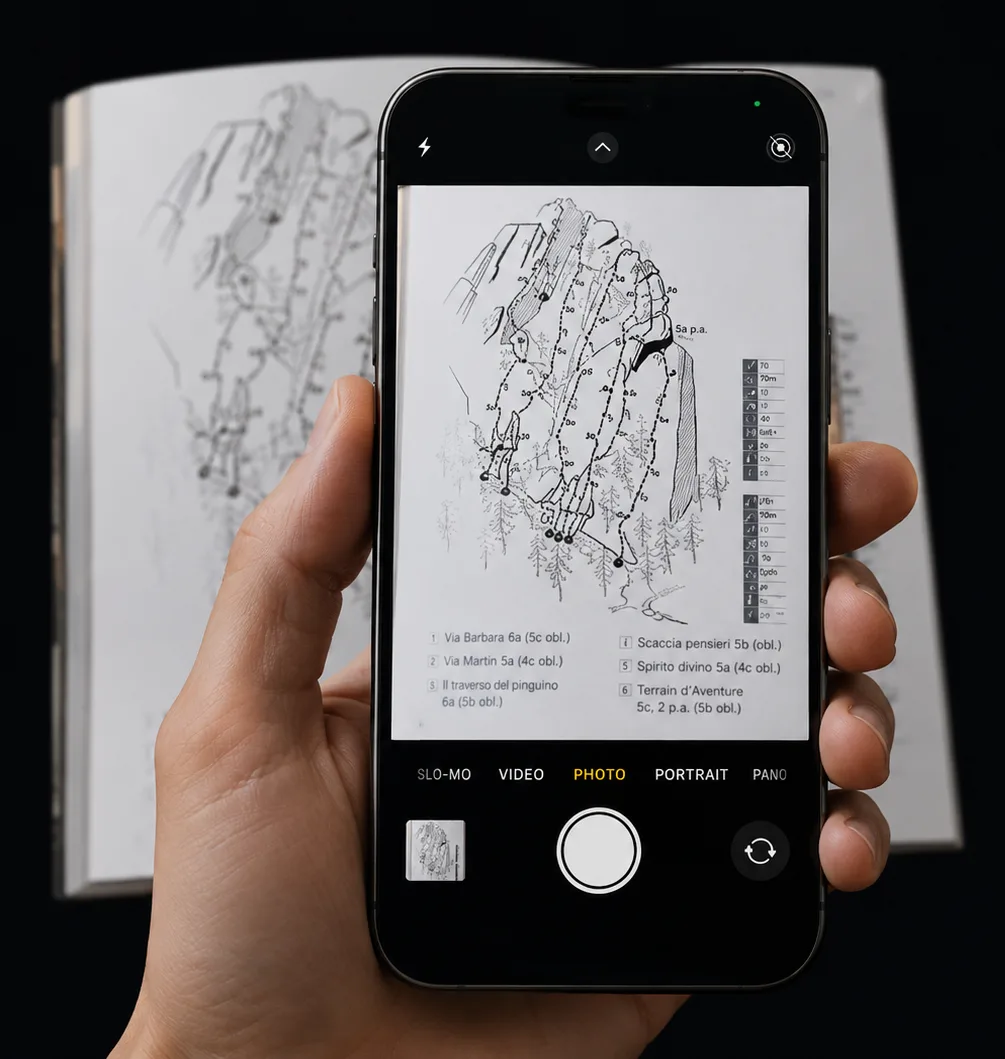
01
CaptureStart with the topo you already have.
Photograph from a guidebook, screenshot the online beta, or import the printout from your pack. Any topo works.
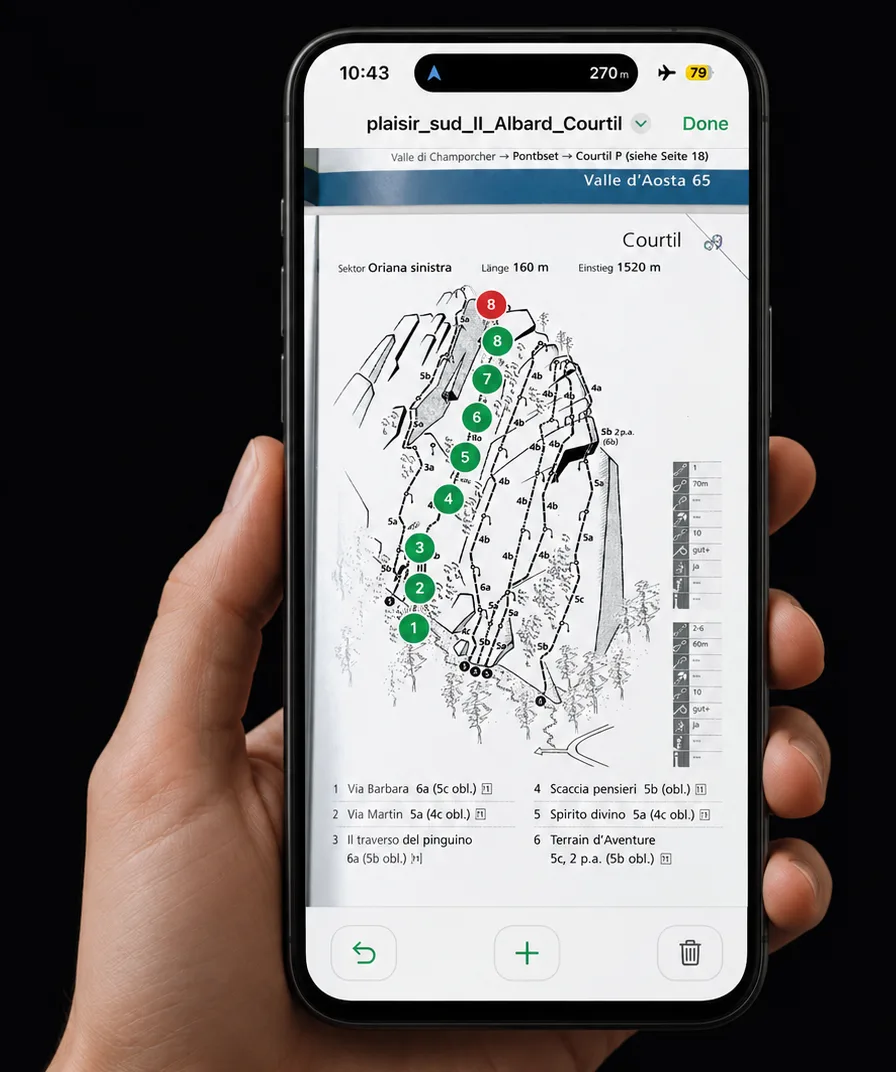
02
MarkTap start. Tap anchor. Move on.
Green for the start of each pitch, red for the anchor. NorthPitch chains them into a clean, climbable line.
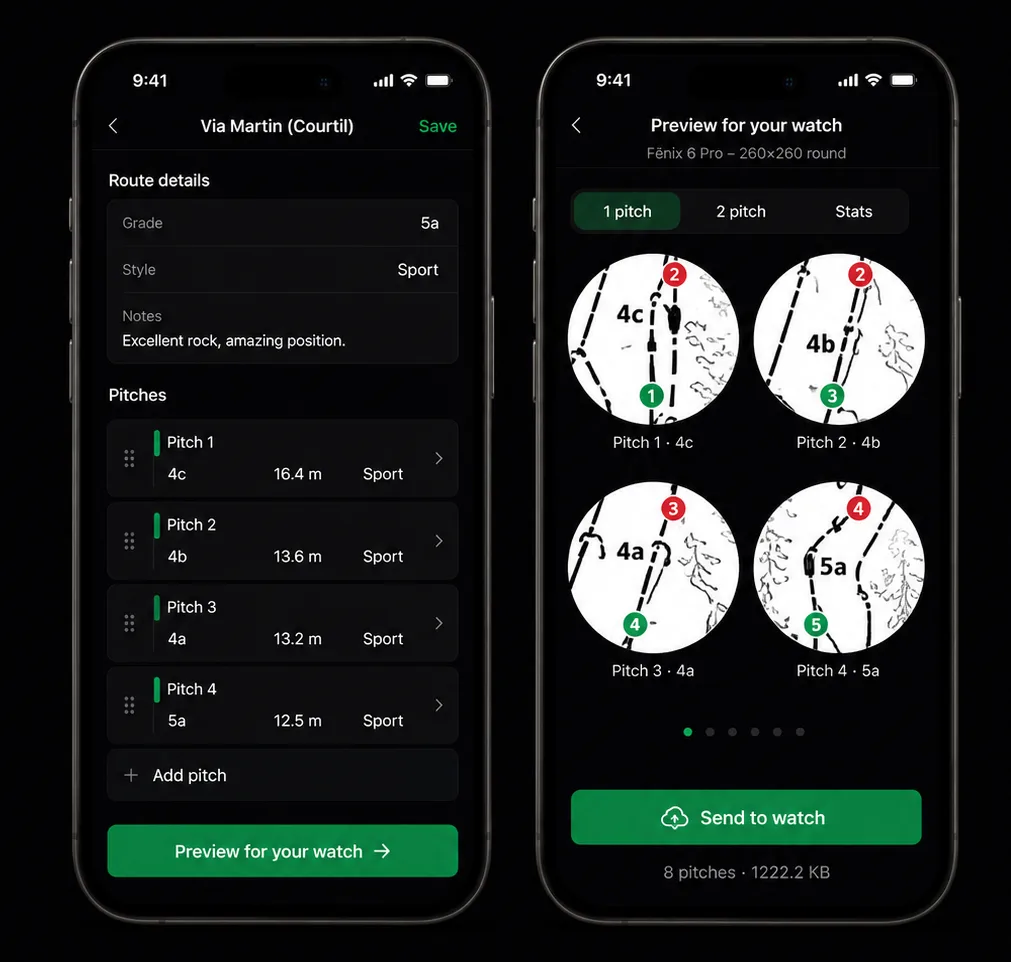
03
Detail & PreviewBuild it once. See it on the watch immediately.
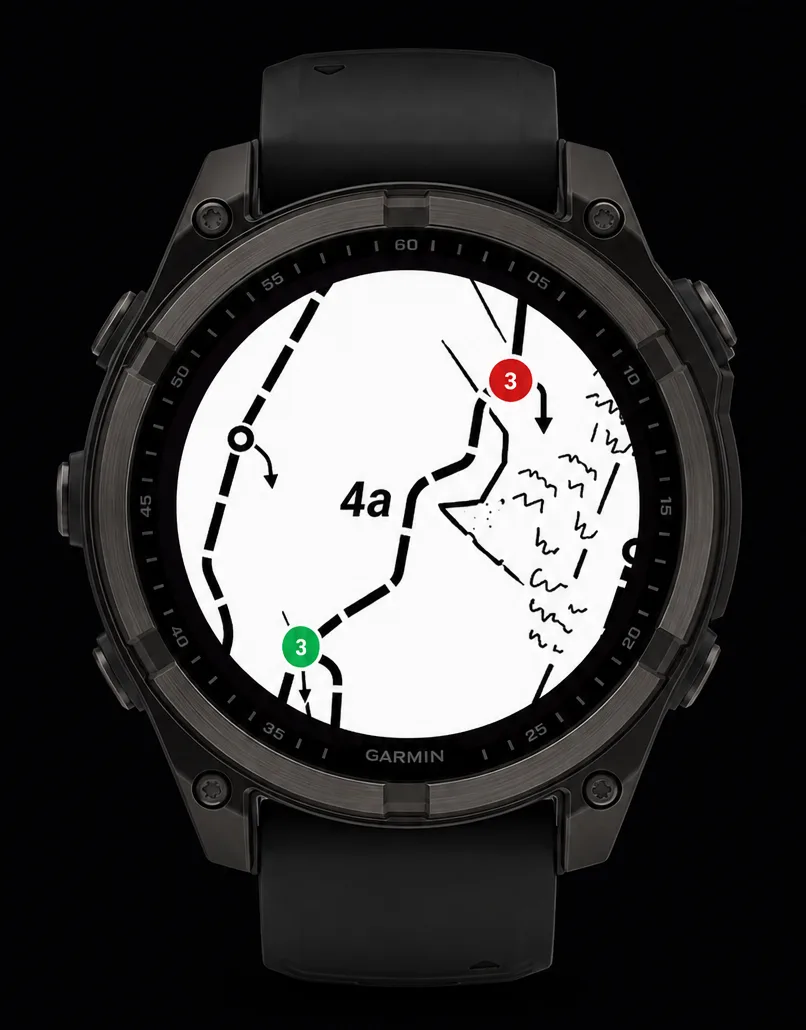
Grade, length, gear, notes for every pitch. Then preview exactly how each one will read on your Garmin before you sync.
04
ClimbTopo on your wrist. Stats on demand.
Swipe through pitch maps mid-climb. Every pitch logged automatically as a FIT lap. Recap when you're back on the deck.
Two surfaces. One workflow.
Garmin Watch App
On the wall.
- Topo on your wrist, next pitch one swipe away
- Grade, length, gear, notes on the watch face
- Every pitch a lap: timing and splits, automatic
- Recap pitch by pitch back at the deck
Companion Web App
At the kitchen table.
- Photograph or import any topo
- Tap to mark starts and anchors
- Grades, lengths, gear, notes
- Sync via Garmin Connect
The Companion is in limited beta. Create an account to join the waitlist; approved testers can publish routes for Fenix 6 Pro offline testing.
Your own topo.Join the limited beta.
Create your NorthPitch account to join the Companion waitlist. Want to test early? Tell us about your climbing and Garmin setup from your dashboard.
Create account / open dashboardCreating an account is all it takes to join the waitlist.